
Work gets a clear owner
Send a request or see work assigned by our team. Each item has a service, owner, status and due date.
Every request, update, deliverable and decision has a place. Our private client workspace lets you follow what your team is doing, review the work and respond without searching through messages.
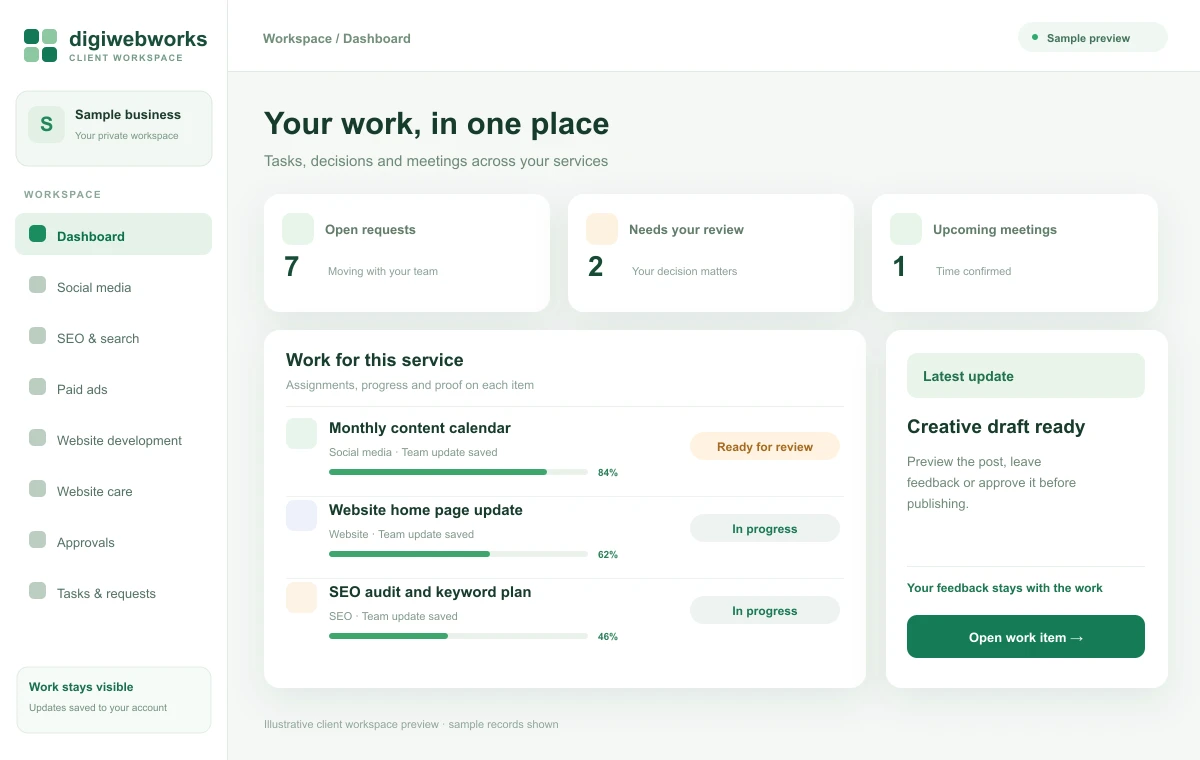 Illustrative panel preview · sample records shown
Your client panel and our staff workspace use the same work records, so both sides see the current status and conversation.
Send a request or see work assigned by our team. Each item has a service, owner, status and due date.
Staff add updates, proof, links and files to the work item as it moves forward.
Preview deliverables, approve them or request specific changes with feedback on that exact item.
Your decision and the team’s reply remain visible together, so the work can continue with context.
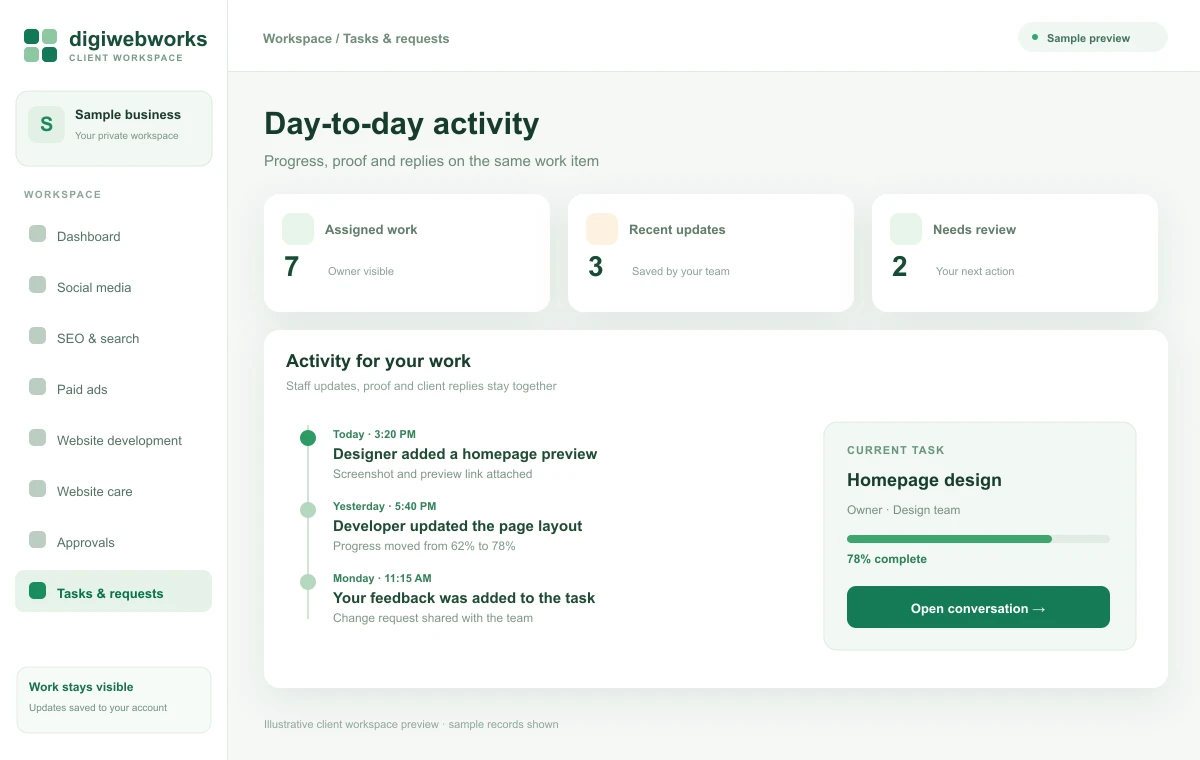 Sample day-to-day activity preview
Each task shows its owner, status, due date and progress. The activity record keeps staff updates, preview links, evidence and your replies connected to that exact piece of work.
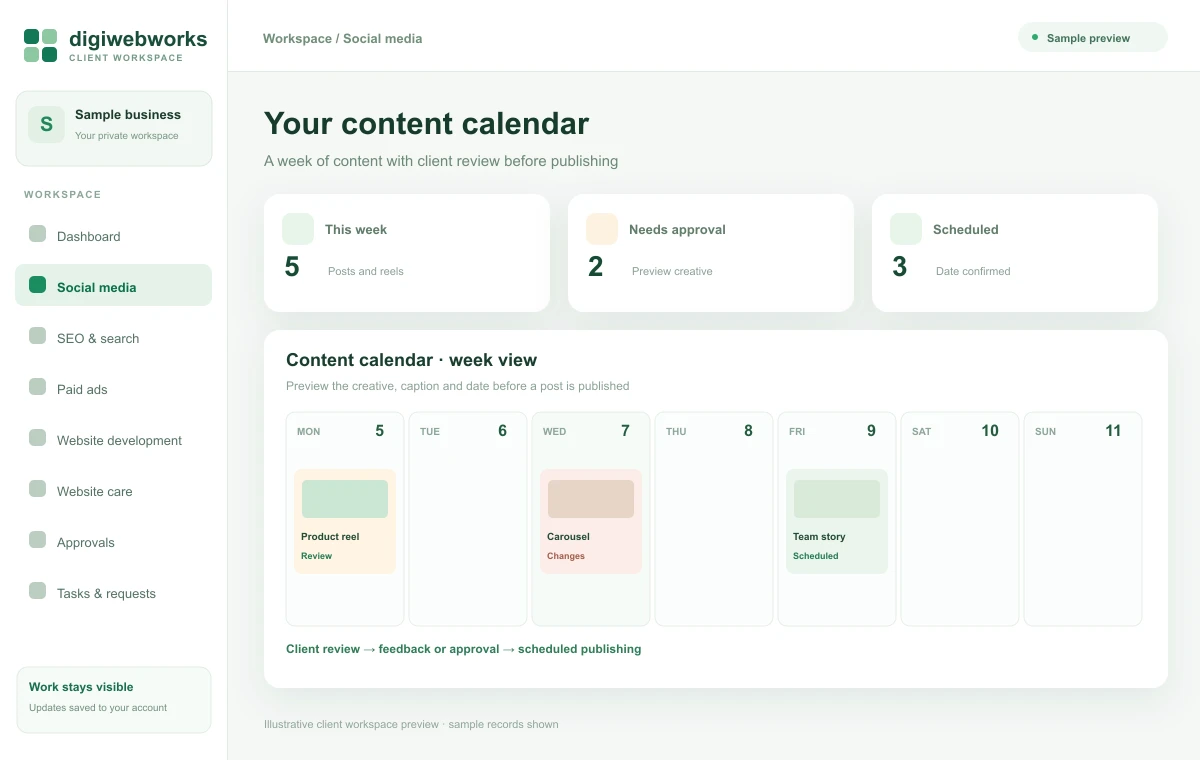 Sample content calendar preview
Social media work is organised by date. Open a post or reel to review the creative, caption and planned channel, then approve it or ask for changes.
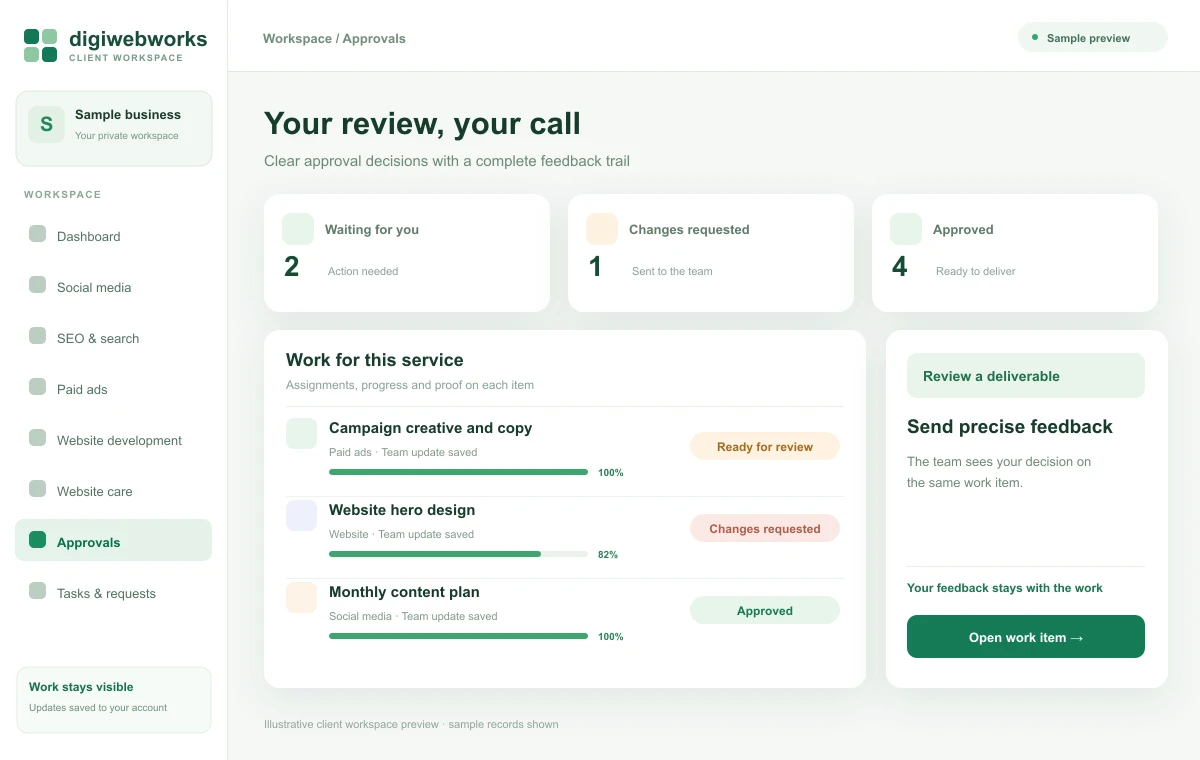 Sample approval workflow preview
Review-required work stays in your approval queue. You can explain what is wrong, describe the change you want, and follow the team’s revised version in the same thread.
The menus stay easy to find. Your plan determines which service workflows are active, and the team records work in the relevant area.
Review post and reel previews, captions, dates and the shared content calendar.
Follow campaign work and view connected account metrics when you authorize the account.
See audits, technical changes, page links and reports recorded for your project.
Track milestones, preview pages and request changes before sign-off.
See lead details and tell the team whether a lead was useful or what happened next.
Reply on a work item or request a time with the relevant specialist.
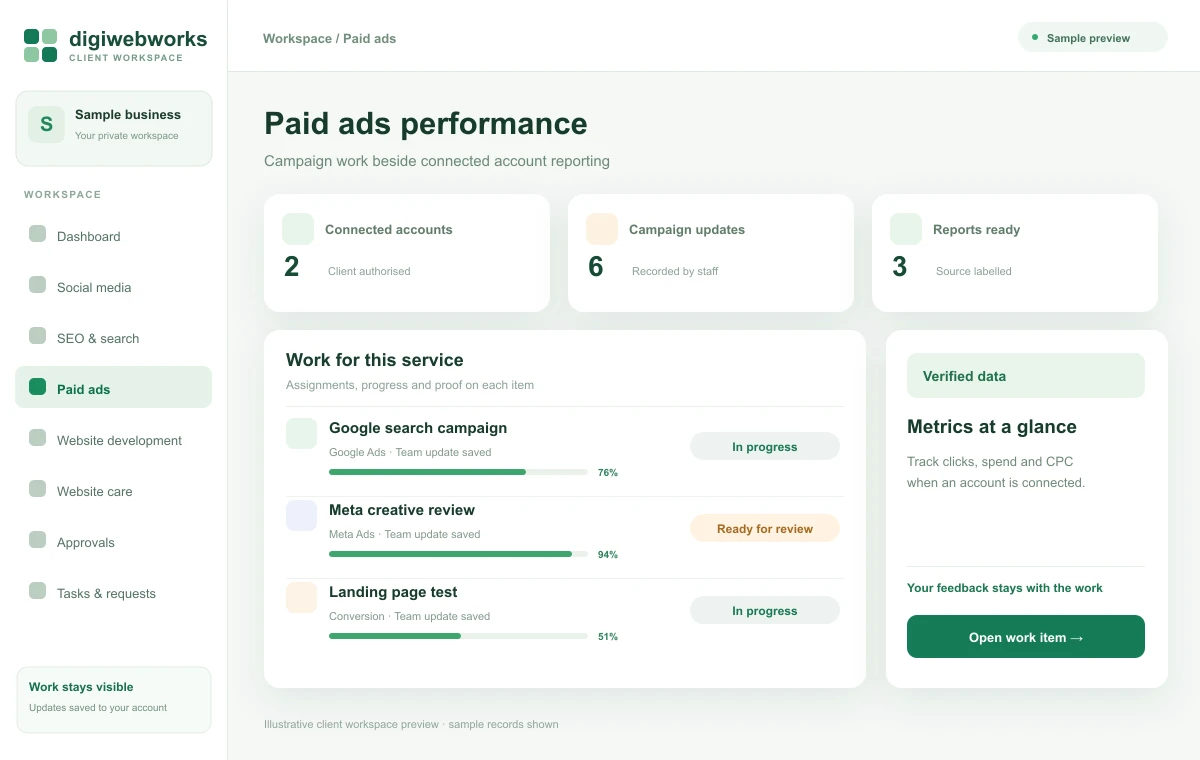 Sample campaign workspace preview
Campaign and SEO work updates sit beside reports. When a supported ad account is connected by the client, the panel can show source-labelled performance data. Staff notes and manually added reports stay clearly identified.
Tell us what your business needs. We’ll shape the services and show you how the client workspace supports the work.